ChatGPT
ChatGPT connects to your Kirby site as an MCP app. You add it once on chatgpt.com and can then use it in every chat.
Add the app
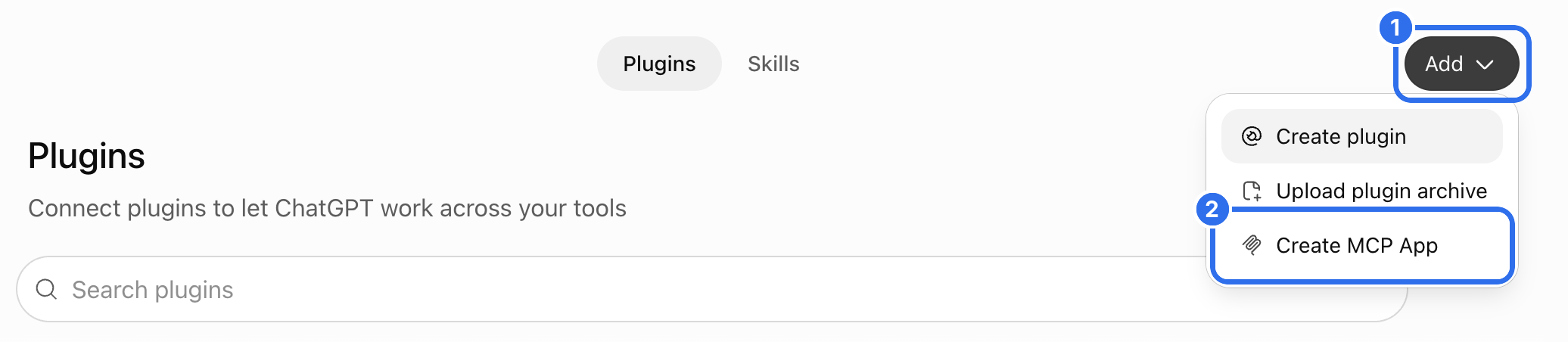
Copy the MCP URL from the Agents view in the Panel. Open chatgpt.com and go to Plugins in the sidebar. Click Add (1) and choose Create MCP App (2).
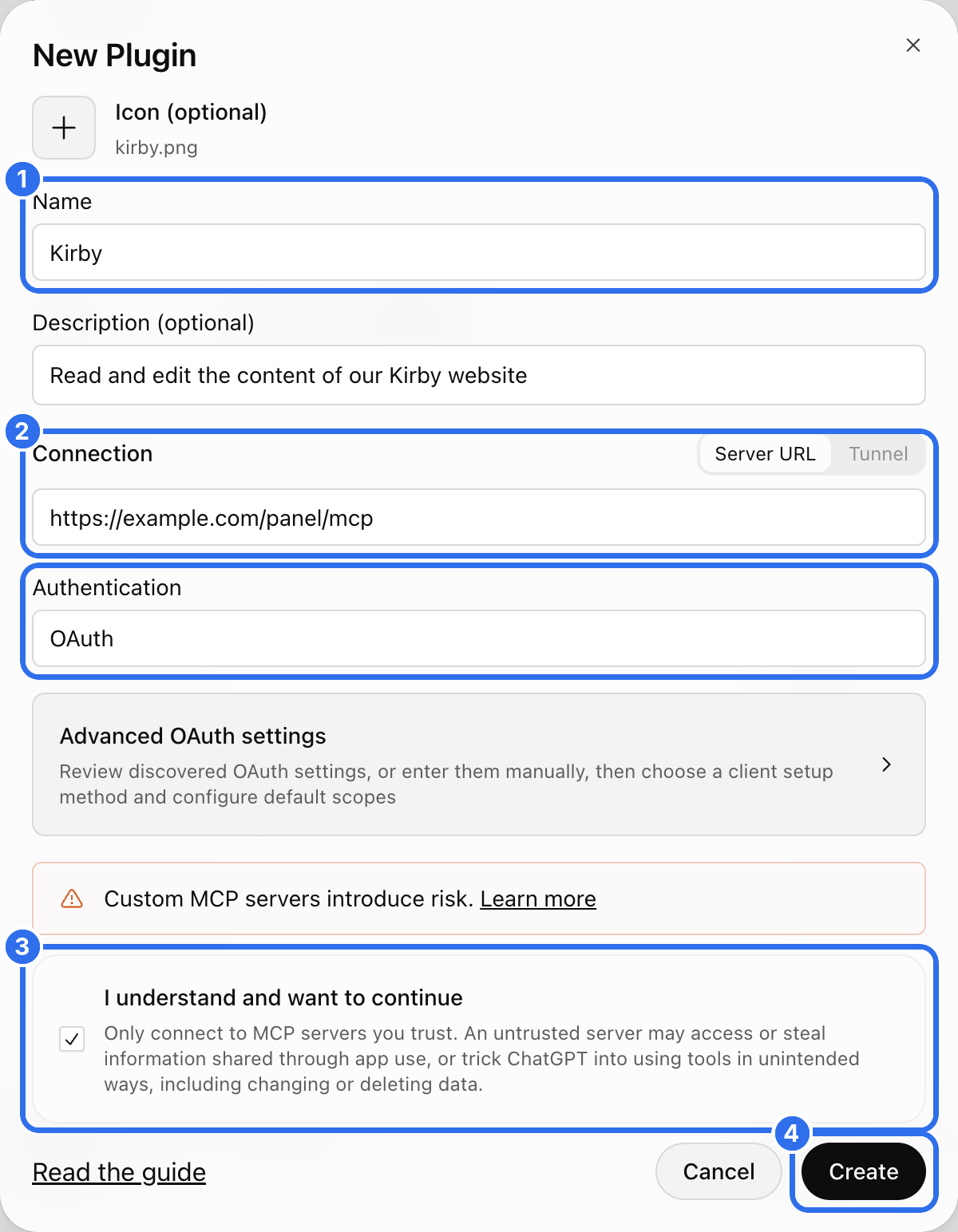
Enter a name (1). The description and the icon are optional, ChatGPT shows both next to the app. Paste the MCP URL into the Connection field (2) and keep OAuth for the authentication. Confirm that you trust the server (3) and click Create (4).
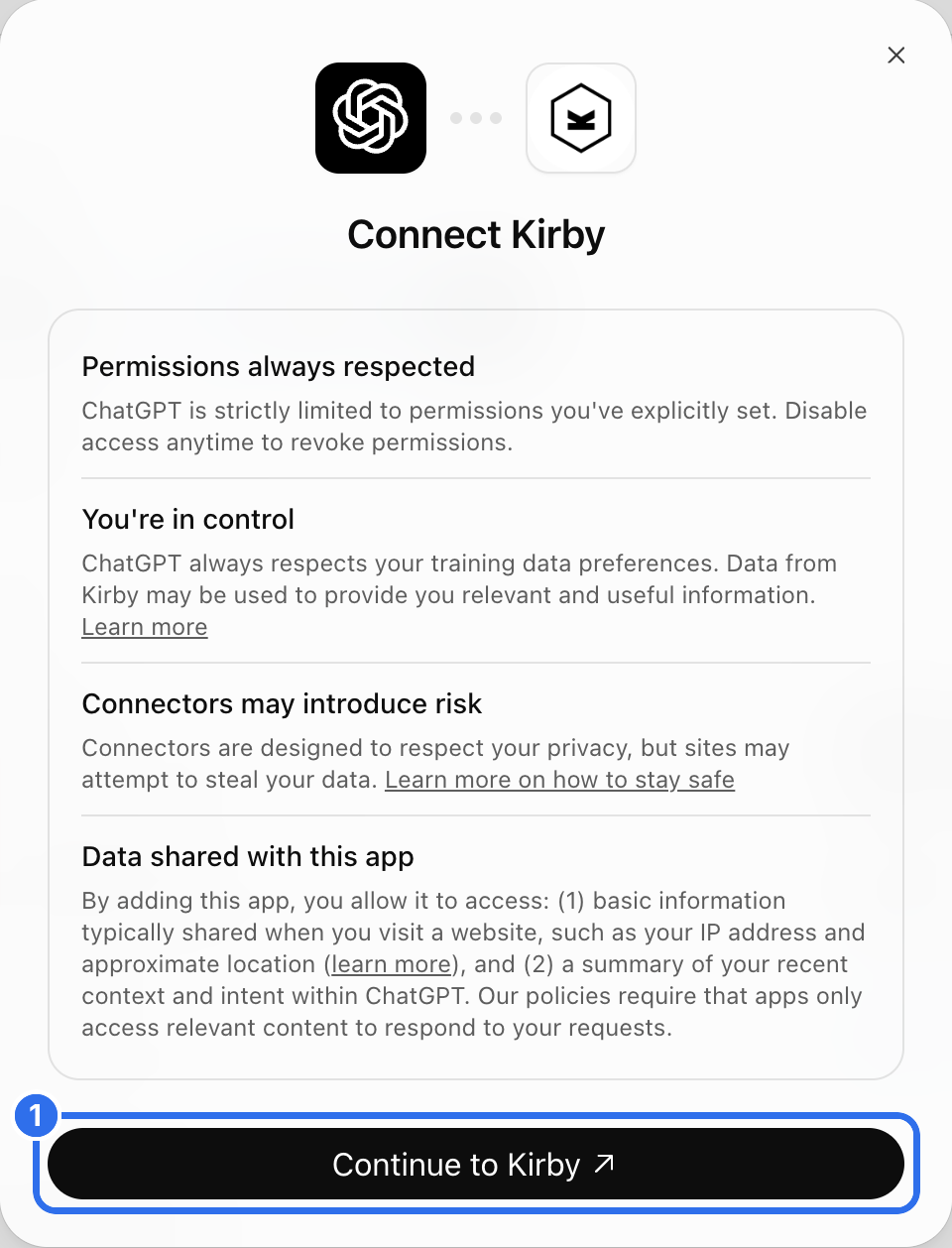
Click Continue to Kirby (1).
Allow access
Log in to the Panel if you aren't logged in yet.
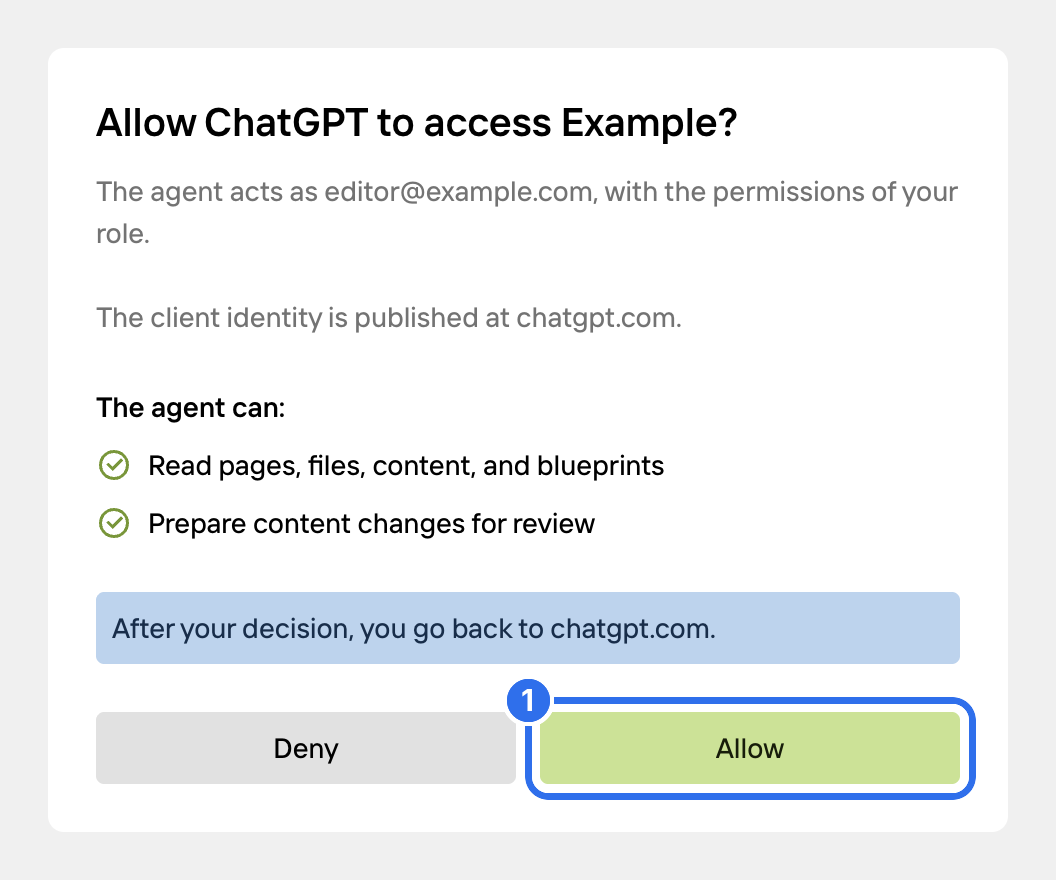
The consent screen shows the Kirby user that ChatGPT acts as and what ChatGPT is allowed to do. By default, ChatGPT can read your content and prepare changes for review. Click Allow (1).
The app is listed under Installed on the Plugins page. The connection is listed in the Agents view in the Panel. There you can change its permissions or revoke it.
Use it in a chat
Type @ and the name of the app in the message field, and select the app (1).

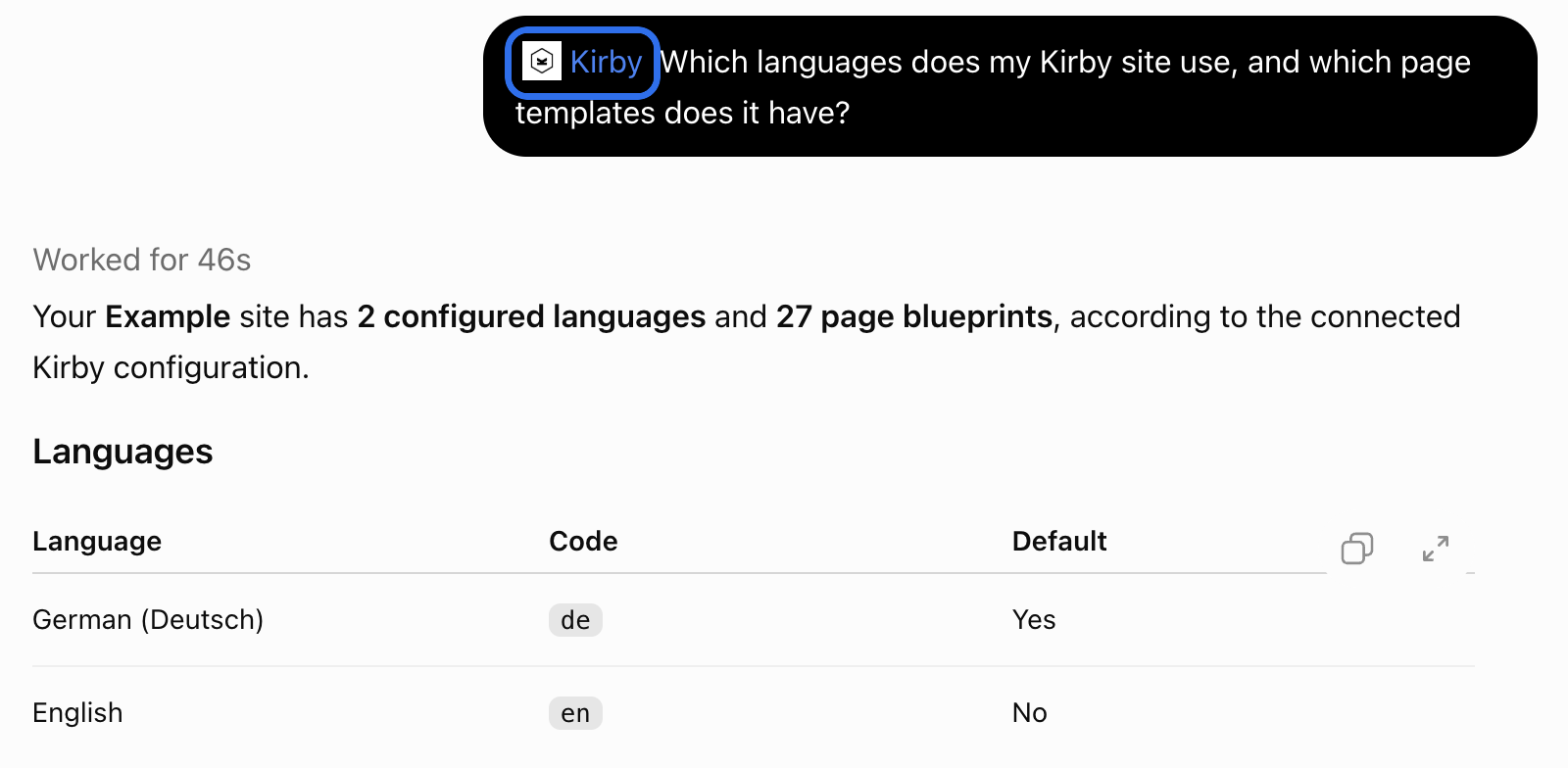
Ask your question. ChatGPT calls the tools it needs.
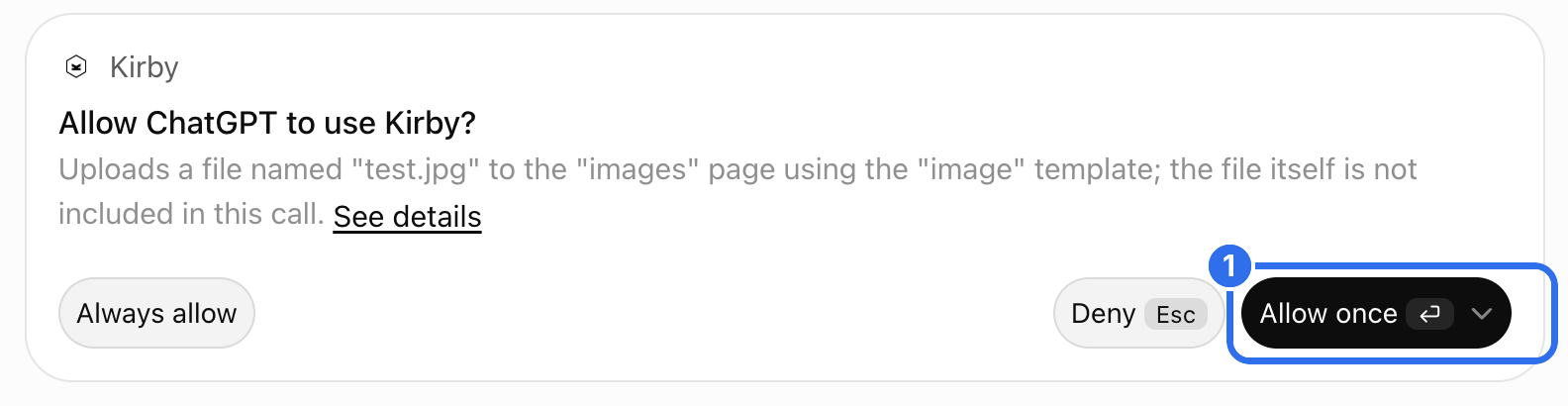
ChatGPT asks before it uses a tool that changes something. Click Allow once (1), or Always allow to skip this question for the tool in the future.
By default, ChatGPT runs read-only tools without asking. To change this, go to Settings → Plugins and open the permission setting of the app.
When ChatGPT needs more permissions
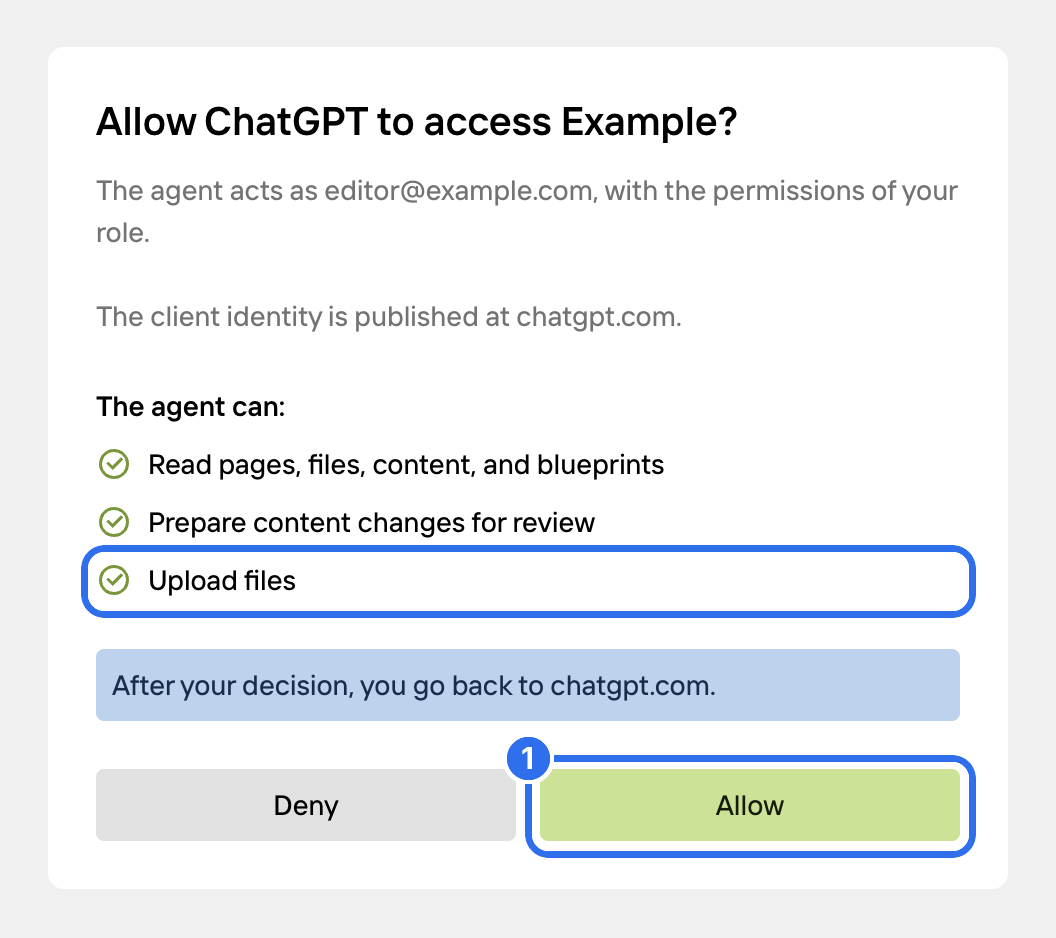
By default, ChatGPT can read your content and prepare changes for review. Other tools, like publishing, creating pages or uploading files, need an extra permission. ChatGPT asks for it the first time it uses one of these tools.
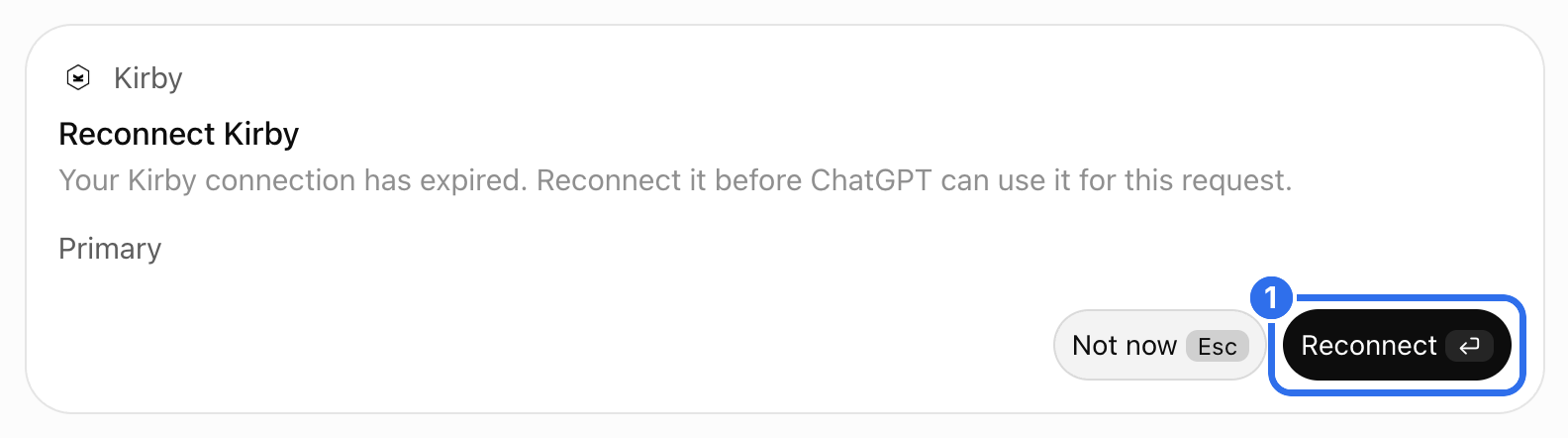
After the tool call, ChatGPT shows a card to reconnect Kirby. The card says that the connection has expired. This isn't correct: the connection works, it only needs the new permission. Click Reconnect (1).
The consent screen lists the new permission. Click Allow (1).
If the answer in ChatGPT ends with an error, click Try again. ChatGPT then runs the tool with the new permission.
Good to know
- Custom MCP apps need a paid ChatGPT plan.
- In Business and Enterprise workspaces, an admin may have to allow custom MCP apps first.